

Guide
How to import your logbook
Move your existing jumps and tunnel sessions into Squifly. Supported formats, the import template and a step-by-step tutorial.
Supported formats
Since app version 1.0.48 (95) Squifly can import existing logs (beta). It reads CSV (UTF-8) and XLS(X) files from these sources:
- Squifly export
- Squifly import template
- Skydiving Logbook (Android app)
- Larsen & Brusgaard ProTrack Excel format
To import, open your logbook, tap Import (Beta) and pick the file. You can import up to 1,000 jumps per run. If you import a file you previously exported from Squifly, the app updates those jumps in your logbook with the imported version.
Coming from another app?
If your logs are in any other format, copy them into the Squifly import template and import that.
Squifly import template v2Excel · .xlsxDownloadBefore you import, check these three things:
- No special characters in text fields, such as
,;"or‘. They break the CSV file and the import will fail. - Keep the date format of the template.
- Oldest first. Rows are imported from top to bottom, so your oldest entry goes at the top and your newest at the bottom. Some logbook apps export in reverse order.
Watch the tutorial
Step by step
1. Download the template
Download the template above and open it in Microsoft Excel or Google Sheets.
2. Fill in your logs
Paste your logs in exactly this format and keep every column in place:
Activity Date, Location, Aircraft, Type, Subtype, Description, Container, Main Canopy, Reserve Canopy, Suit, AAD, Additional Gear, Exit Altitude, Deployment Altitude, Unit, Duration, Cutaway
The activity date must use one of these formats:
| Order | Long | Short |
|---|---|---|
| Year first | YYYY-MM-DD | YY-MM-DD |
| Day first | DD-MM-YYYY | DD-MM-YY |
| Month first | MM-DD-YYYY | MM-DD-YY |

3. Save as CSV
Save the file as .csv as shown below, then send it to your phone.

4. Import it in the app
On your phone, open Squifly and follow these steps:
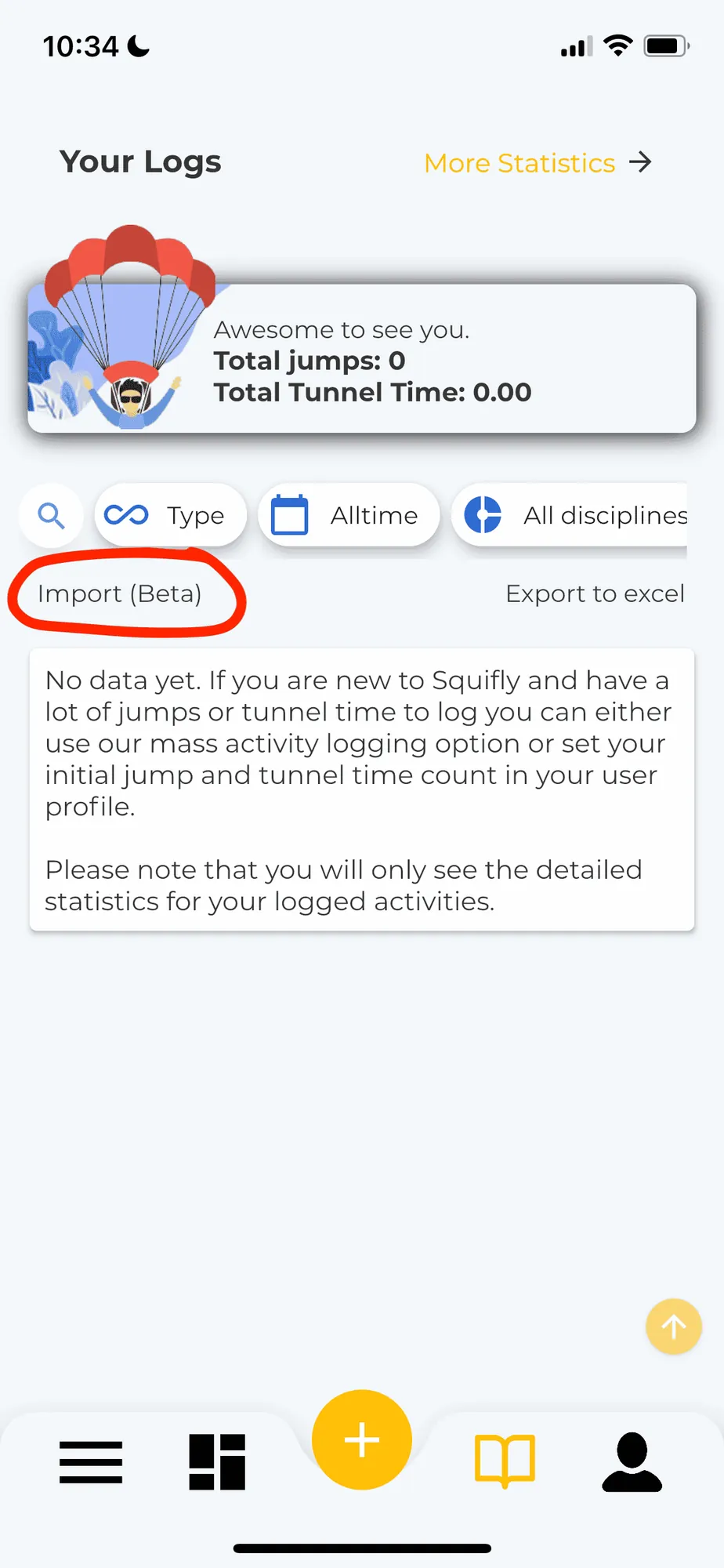
1Open your logbook and tap Import (Beta)
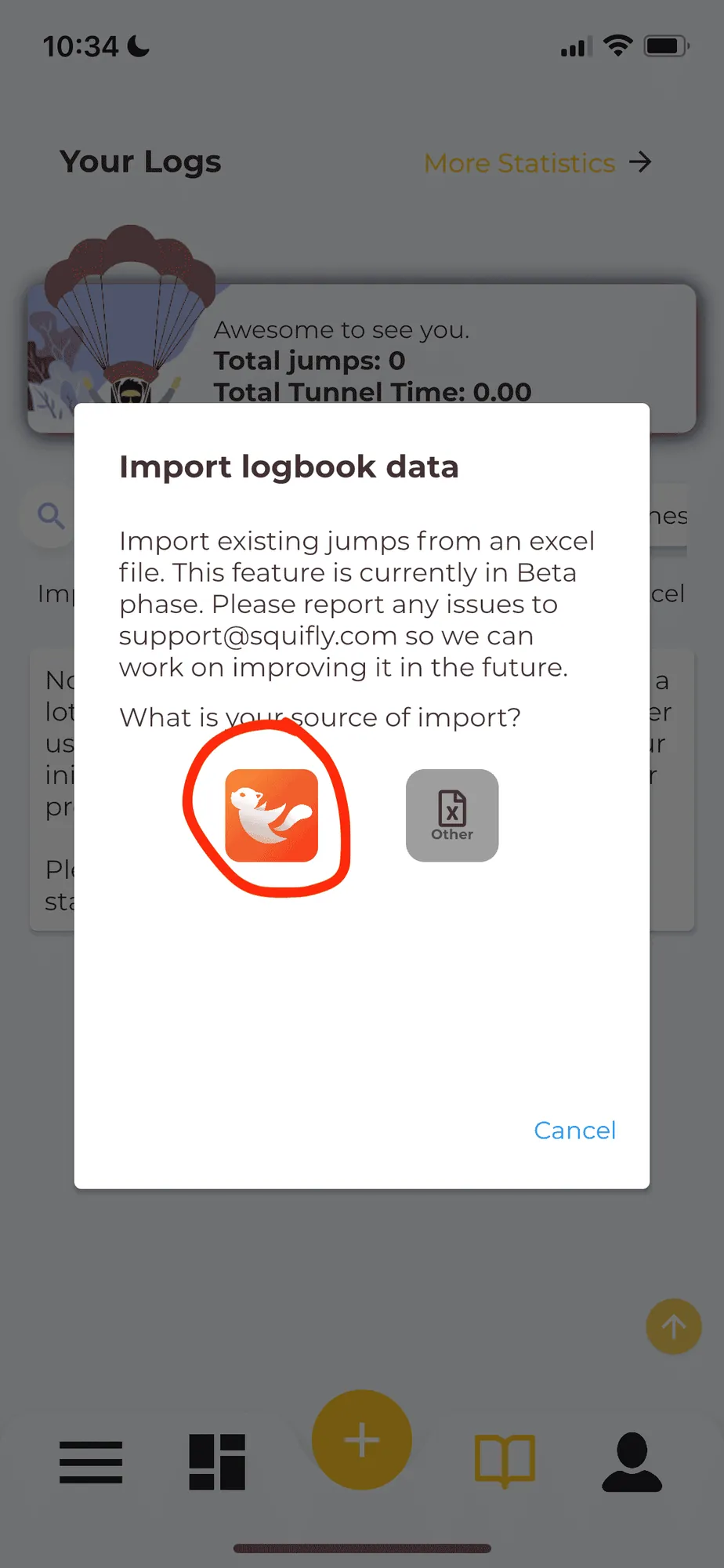
2Choose Squifly as the source
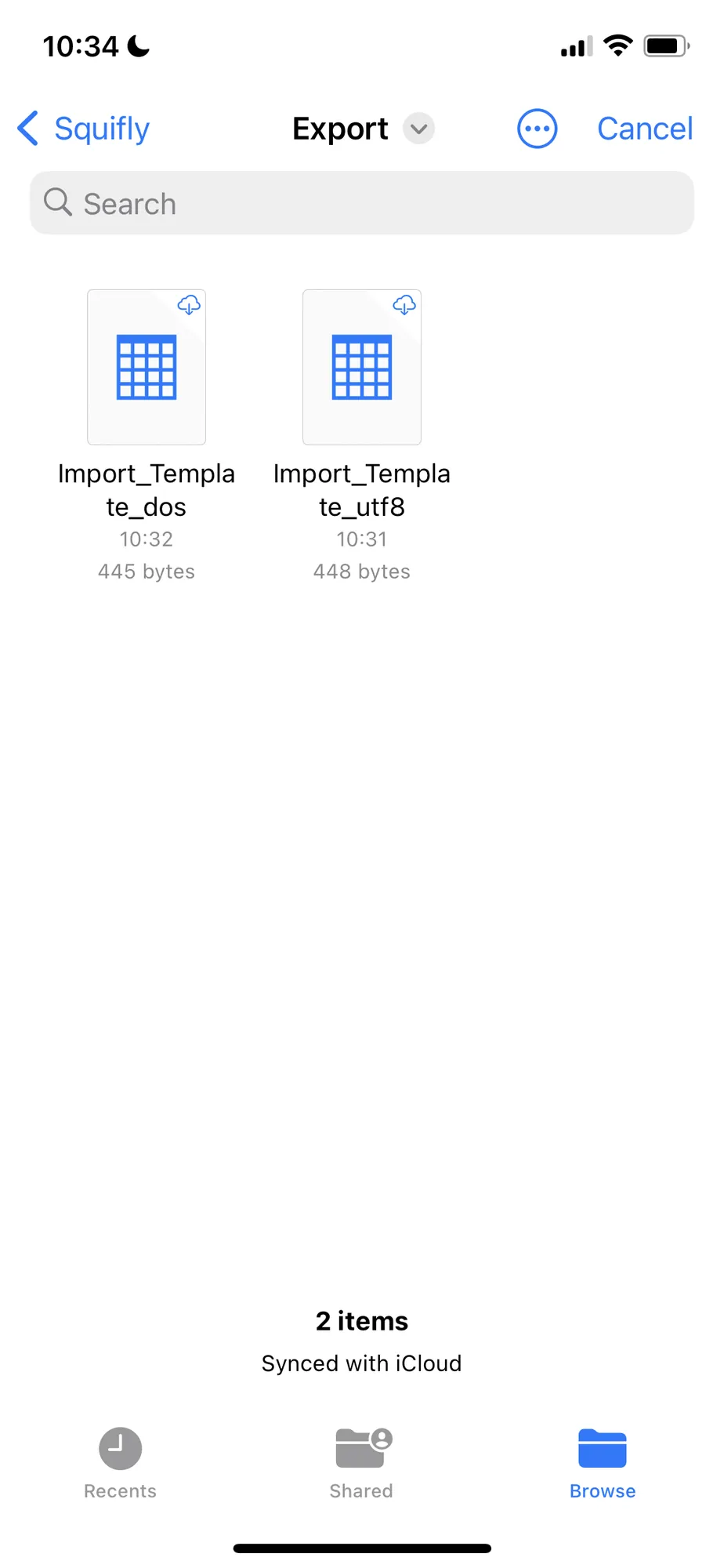
3Pick your CSV file
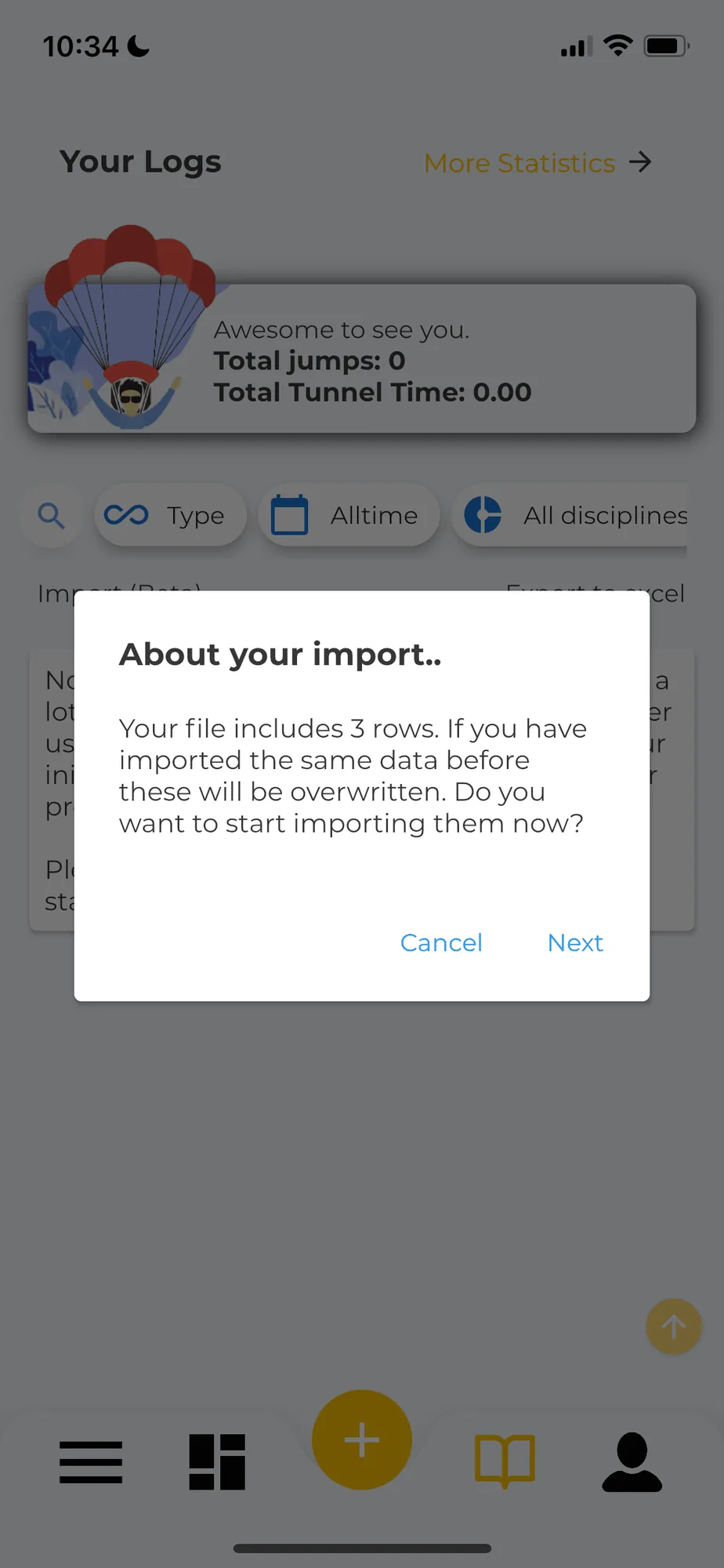
4Confirm the import
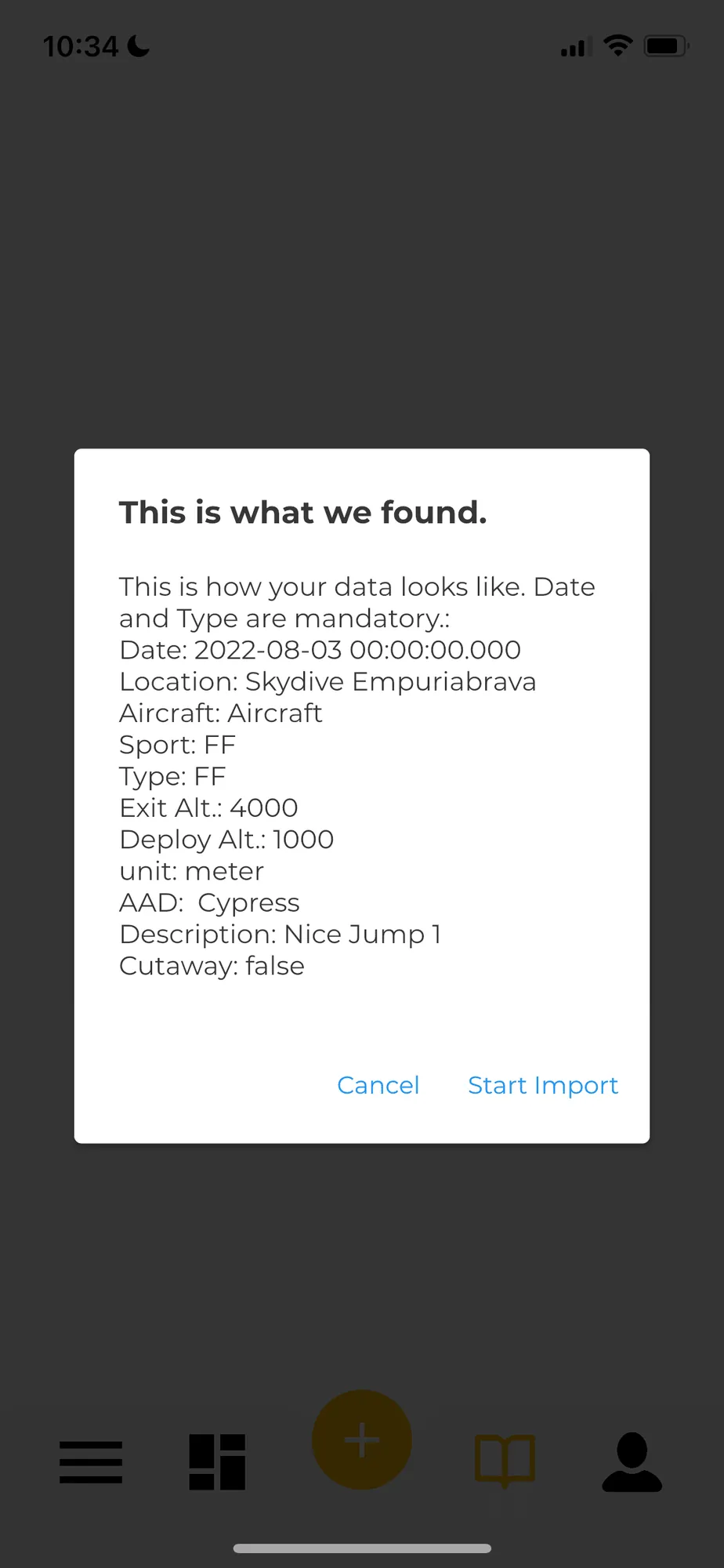
5Check how Squifly reads your data
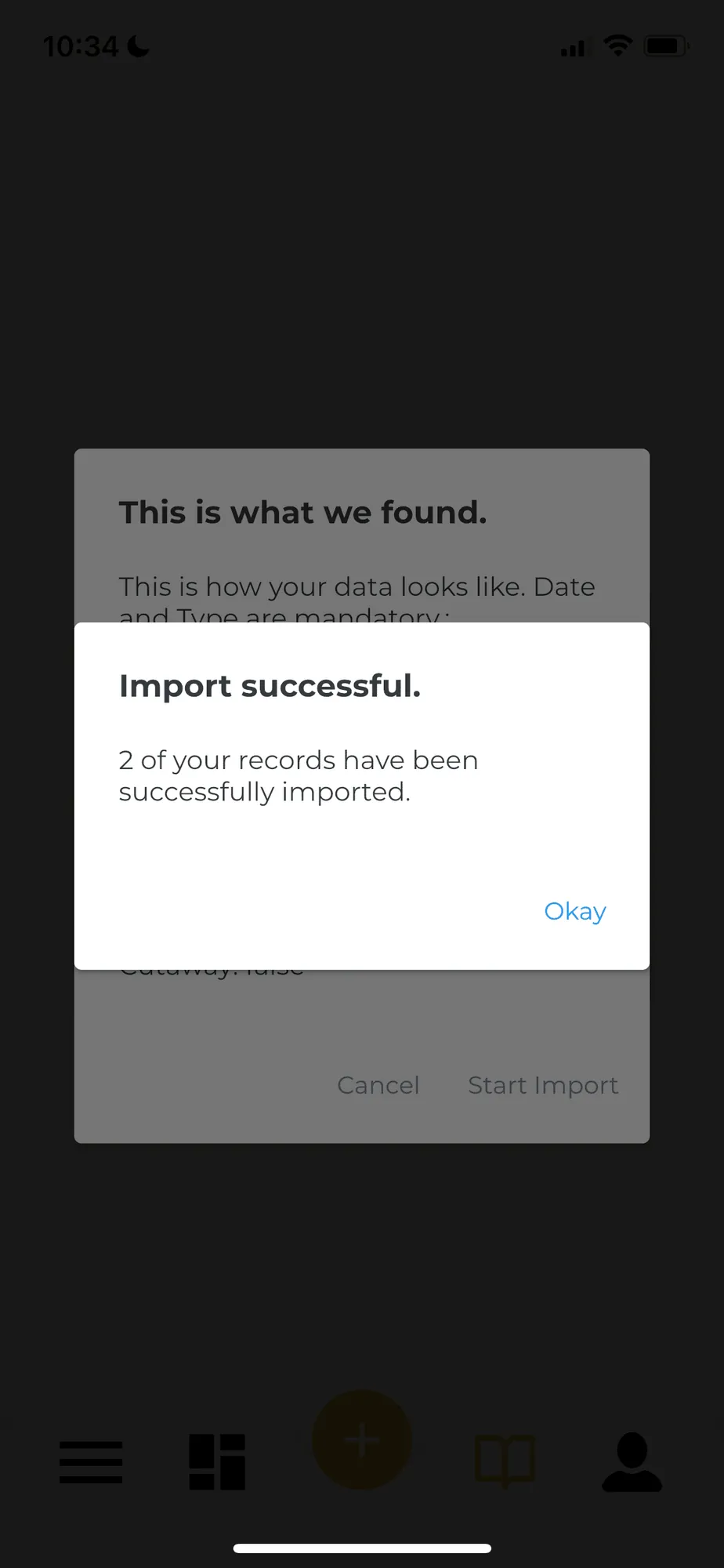
6Import successful
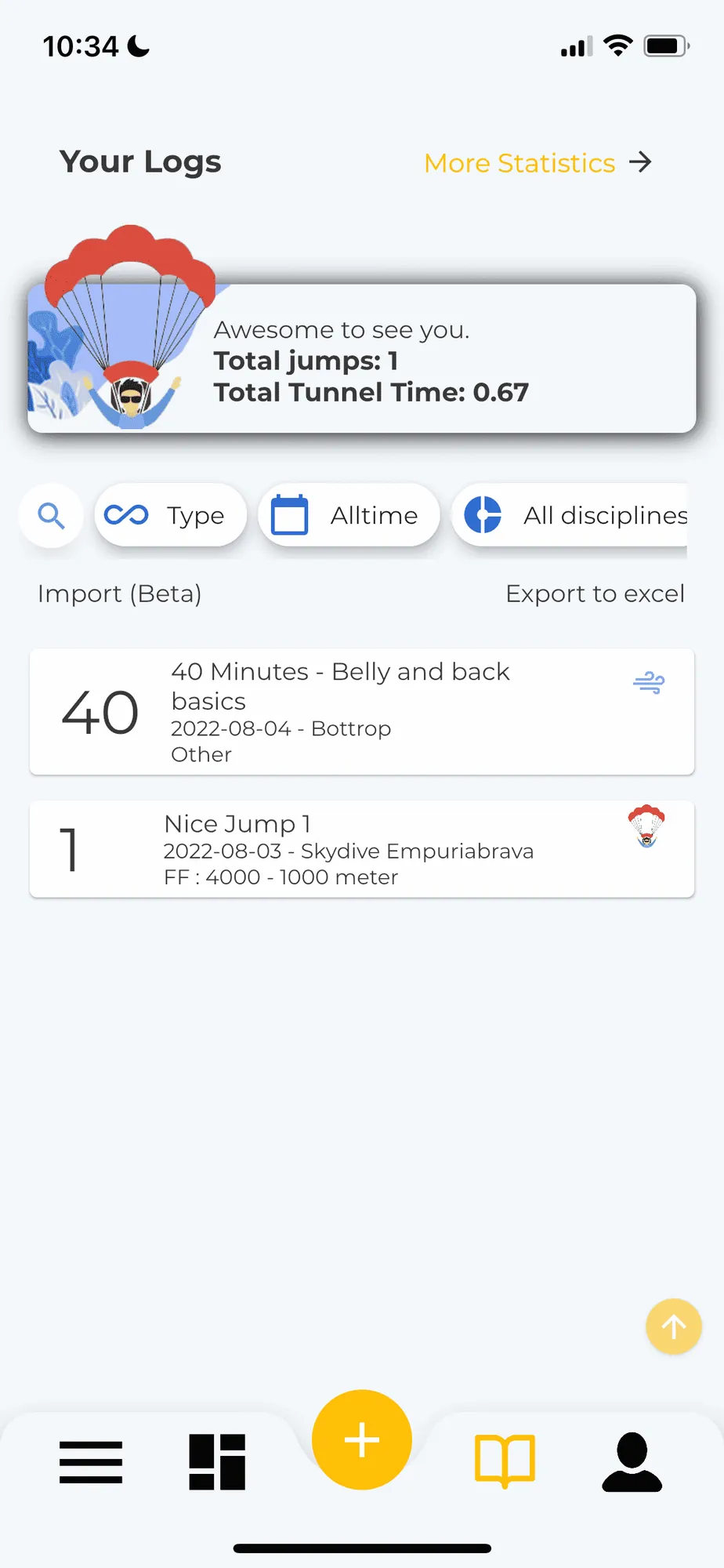
7Your jumps are in your logbook
Need help?
If something goes wrong, or you want us to support another file format, email us or message us on Instagram. Blue skies!